
Features
All features at a glance
From video and chat to whiteboards, tasks, files and permissions. Here is what Agorium can do.
The map and talking nearby
The map is your office. You see who is standing where, and you talk to people who are close enough.
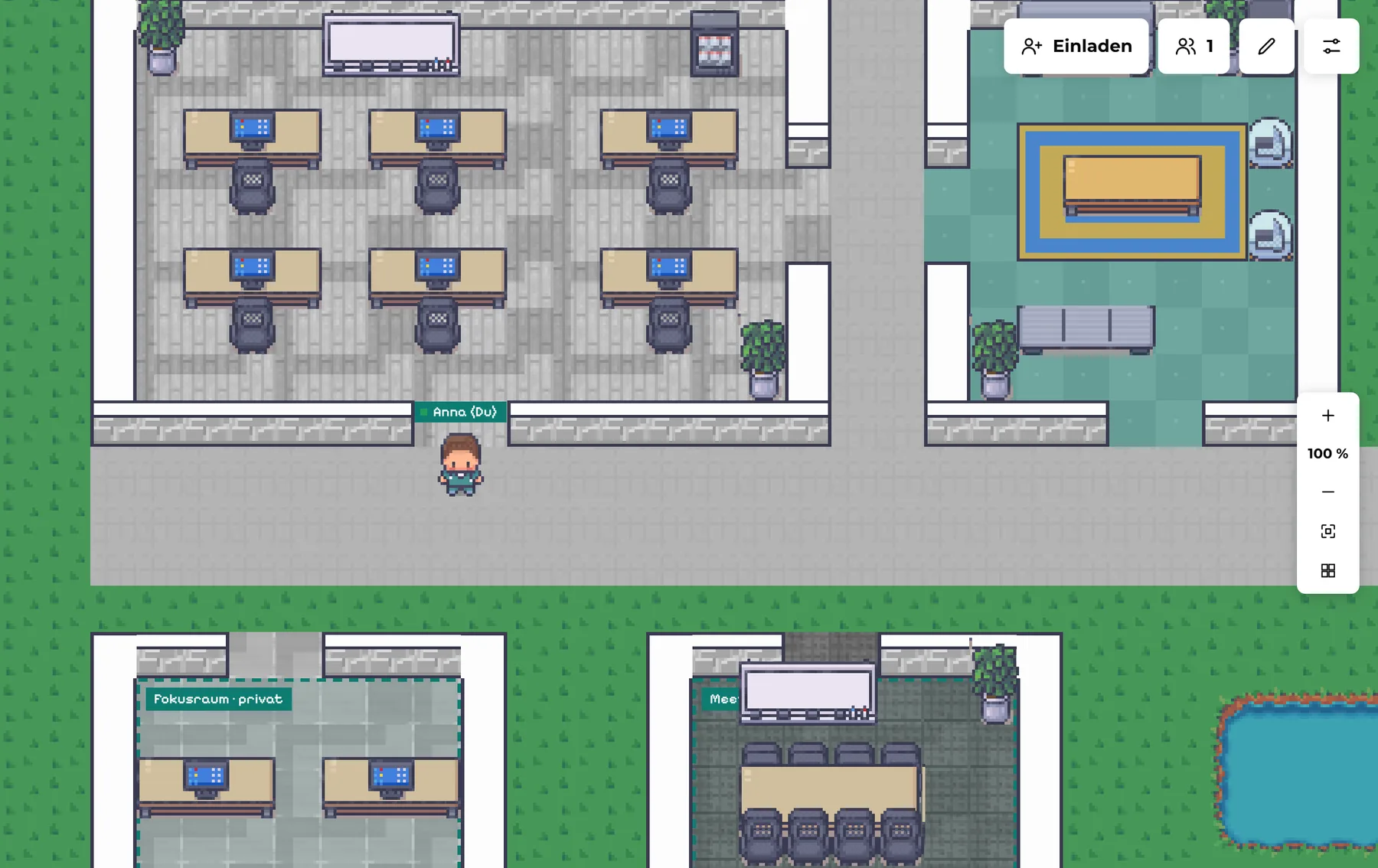
Pixel avatars
You pick an avatar or build your own, and your status shows whether you are available, busy, do not disturb or away.
Walking and zooming
You steer with WASD, the arrow keys or a click, and pathfinding does the rest. You zoom with the mouse wheel or by pinching, and zoomed all the way out you get an overview.
Video and audio by proximity
Camera, microphone and screen run over WebRTC. The further away someone stands, the quieter they are.
Reactions and gestures
You can wave, raise a hand, show emojis and sit down on sofas, chairs and benches.
Volume per person
You can turn individual people down for yourself without anyone noticing. Your own microphone can be boosted up to 400 %.
Announcements
Admins speak to everyone through the megaphone or send a message that stays at the top until someone closes it.
Meetings and conversations
Whether it's a spontaneous chat or a scheduled meeting, there is a fitting room and a fitting chat for each.
Meeting room
The meeting fills the screen with a grid, shows shared screens on a stage and has its own chat. Minimised, it stays as a strip of tiles above the world, and you can keep walking.
Local recording
You decide whether to record only yourself, yourself with camera or the whole meeting. Everyone involved sees a notice while it runs.
Channels and direct messages
These come with threads, reactions, mentions, file attachments and a counter for unread messages.
Notifications
Everyone sets for themselves what Agorium notifies them about and how. With Do not disturb everything stays quiet.
Work and files
Projects, tasks and files live in the same space as your conversations.
Projects and task board
You work with kanban, tables and free databases whose fields can be text, number, select, date, person or link.
My tasks
Tasks can be assigned to people, who are then notified. Comments, attachments and a history come with them.
Files up to 2 GB
You see the progress while uploading. Folders can be nested, there are project folders, and files can get an expiry date.
Permissions per file
A file inherits the permissions of its folder, but you can restrict it or share it with people and roles. You can send to everyone, to people nearby or to specific people.
Whiteboard
The surface has no edge and offers a pen, arrows, shapes, text and sticky notes. Everyone sees changes immediately, and you can export the result as a PNG.
Build and manage
Your office should look like your team, and you decide who may do what.
Map editor
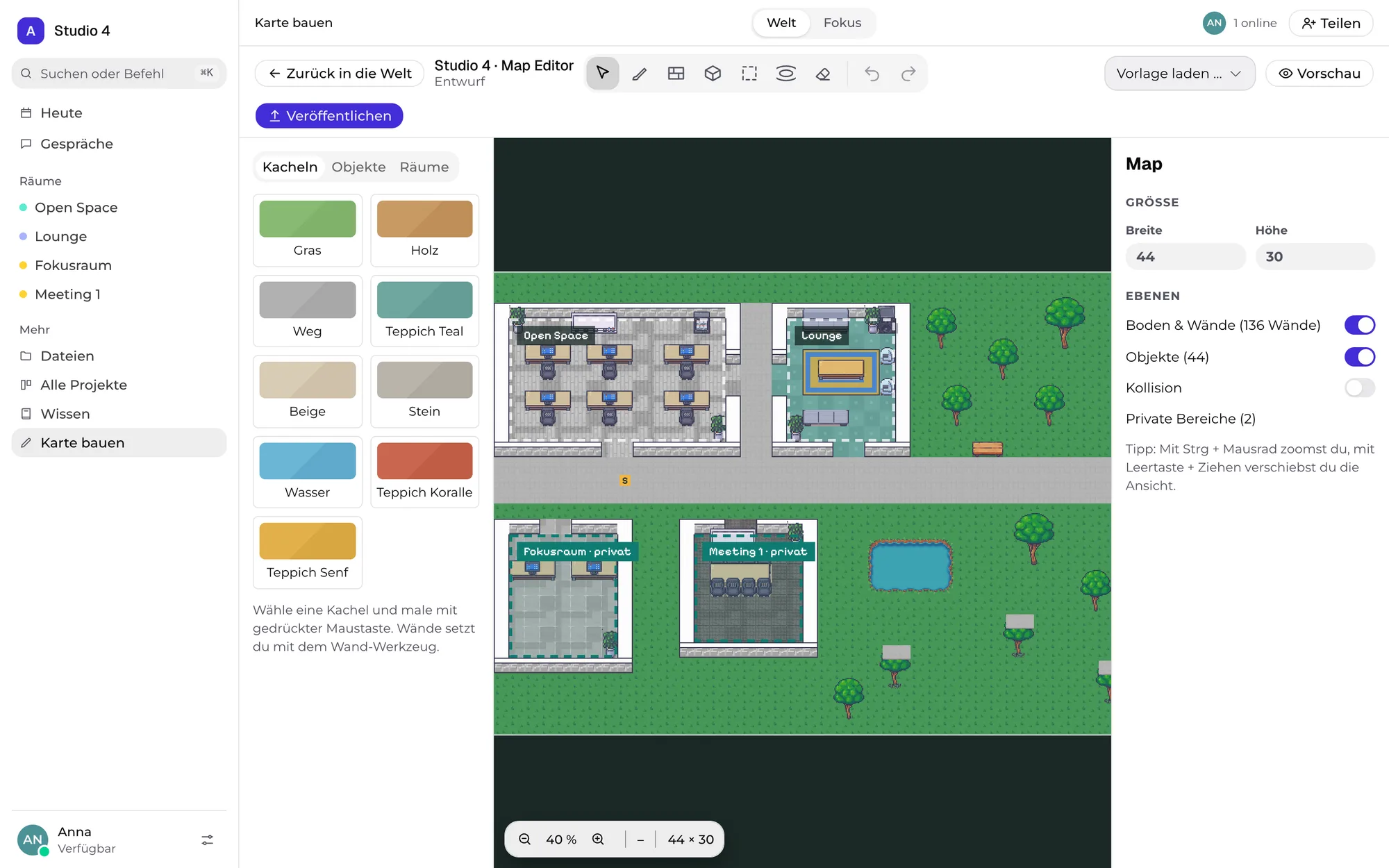
You place floors, walls, objects, areas and portals. Changes first land in a draft with autosave and only go out to everyone when you publish.
Furniture with a function
Sofas, chairs and conference tables have several seats. The coffee machine and the jukebox show an emoji above your head.
Roles and guests
There are admin, builder, member and guest. On top come the invitation link, an optional password and an adjustable range.
On your phone
The layout adapts and brings a tab bar, a joystick and action buttons.
Try it with your team
Create a space, invite your team and walk in together.